
Change your phone's GPS location anywhere in the world.
Search a city, drop a pin, and send that GPS location to your connected phone in seconds.
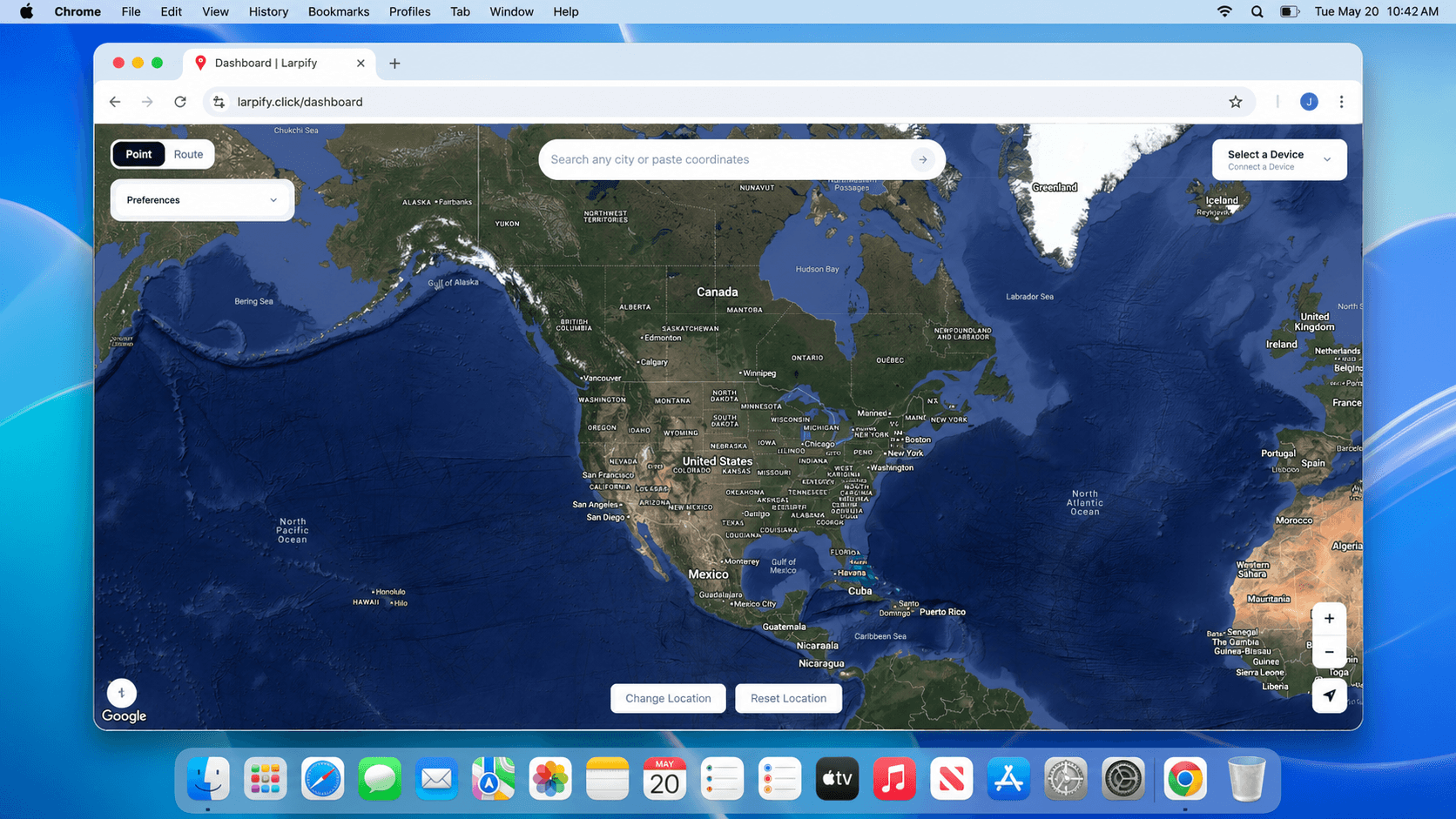
Put your phone anywhere on the map.
Type in any place, confirm the pin, and Larpify sends those coordinates to your connected phone so apps see you there.
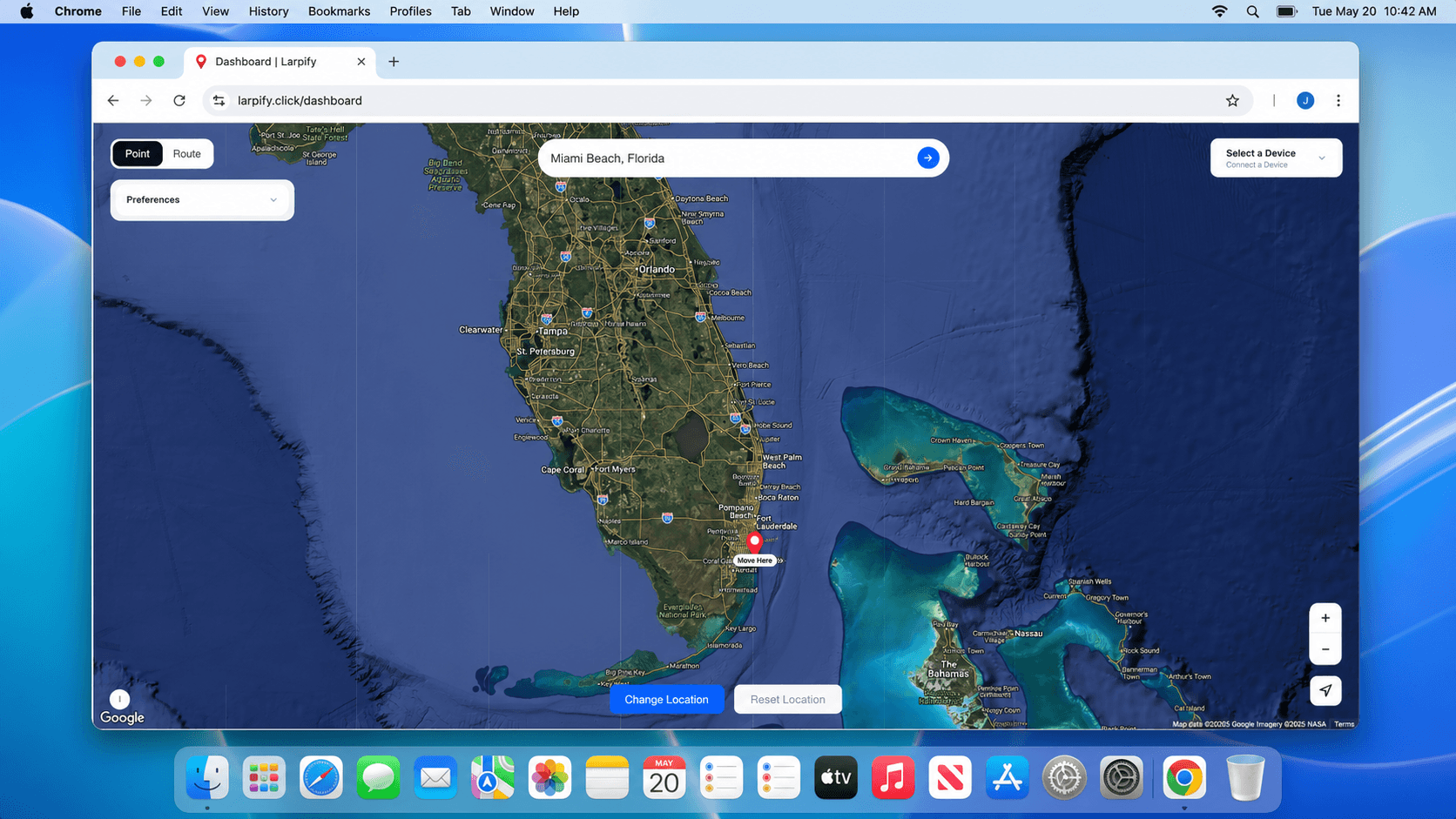
How Larpify works after you sign up
Larpify gives you a map-based control room for changing a connected phone's GPS location. Sign in, connect a device, pick a location, and apply it from the dashboard.
Sign in and open the dashboard
Create your account with Google, then Larpify takes you straight to the dashboard where your map and device controls live.
Connect your phone
Plug in your iPhone or Android device, follow the setup prompts for trust or developer mode, and select the device from the dashboard.
Choose a place and apply it
Search for a city, address, venue, or coordinates. Confirm the pin, press Change Location, and your connected phone uses that GPS location.
Reset when you are done
Use Reset Location to stop the simulated GPS session and return your phone to normal location behavior.
Frequently Asked Questions
Everything you need to know about Larpify.
Yes. Because Larpify is a web dashboard hosted in the cloud, you must run a small Local Helper App on your computer. This helper bridges the web dashboard securely to your iPhone via USB. You'll also need Developer Mode enabled on your device.
Start moving your phone around the world
Larpify is open now. Head into the dashboard, connect your phone, and send a test location whenever you need it.